ZED ZONE Console Commands: Full Cheat List and Item ID Table
Every ZED ZONE console command explained: how to open the console with the tilde key, the AddItem spawn cheat, plus a 50-row item ID table from Early Access data.
FAQ
How do I open the console in ZED ZONE?
What is the AddItem cheat in ZED ZONE?
Do console commands work in ZED ZONE multiplayer?
How Do I Open the Console in ZED ZONE?
ZED ZONE ships with a built-in developer console, which means the most reliable ZED ZONE console commands need no downloads, no trainers and no save editing. Press the tilde key (~) while in-game to open the command line, type your command, and hit Enter to execute. Press ~ again to close the overlay. On some keyboard layouts the tilde sits behind a modifier or shares a physical key with the backtick, so if nothing opens, check your regional layout first. These cheats have existed since the Early Access years and remain functional in the 1.0 era — last verified November 8, 2026, on version 1.0.11.
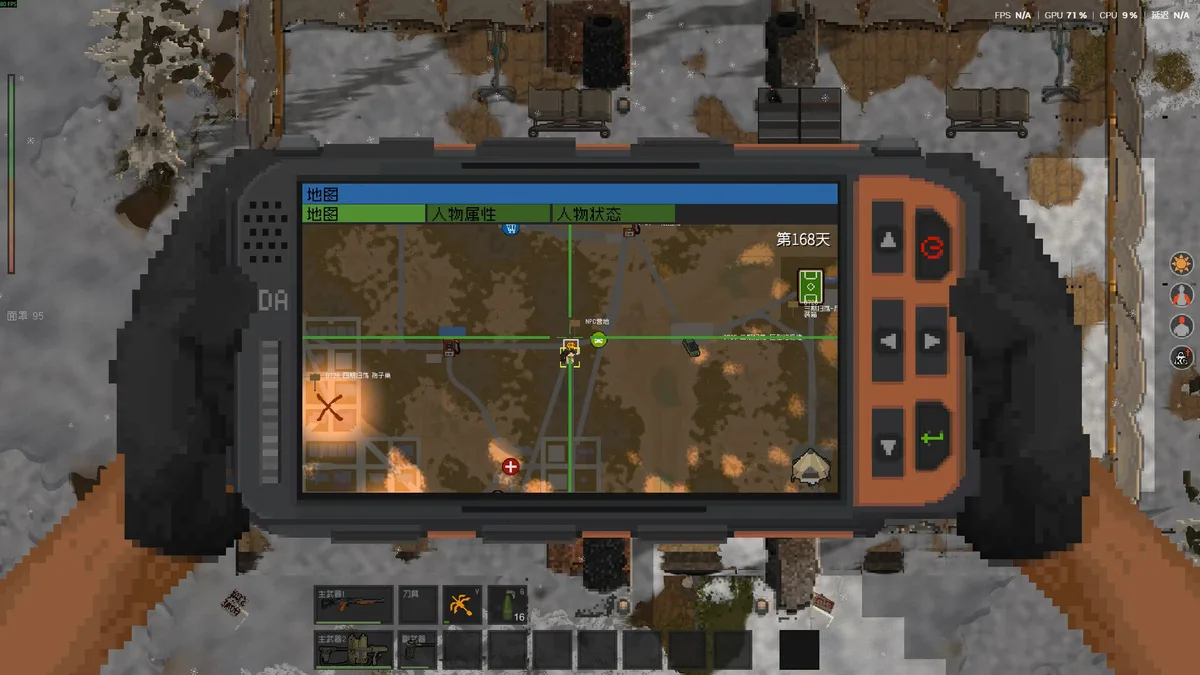
What Console Commands and Cheats Are Available?
Only a handful of console commands are publicly documented, but they cover the four things players actually want to spawn: items, enemies, research and vehicles. All examples below are quoted from community documentation that has circulated since Early Access.
| Command | What it does | Example |
|---|---|---|
AddItem [ID] |
Spawns an item into your inventory by numeric ID | additem 100 spawns a box of 12 gauge ammo |
AddChar [ID x N] |
Spawns N characters or infected of the chosen ID | addchar 1x10 spawns 10 common infected |
AddResearchpoint [N] |
Grants N research points | AddResearchpoint 100 |
AddVehicle [ID] |
Spawns a vehicle by ID | AddVehicle 5 |
Two syntax details matter. First, the item cheat is usually written Additem (ID #) in the community wiki, but the bracket form AddItem [ID] appears in most cheat sheets; both refer to the same command. Second, the AddChar format uses a lowercase x between the character ID and the count, not a multiplication symbol. If a command silently fails, check the exact spacing and casing, then confirm the ID exists in the table below.
ZED ZONE Item ID Table for the AddItem Cheat
The AddItem cheat requires a numeric item ID rather than an item name. The table below lists 50 of the most useful item IDs, exactly as recorded during Early Access on the community wiki. Version 1.0 added new content and may have shifted some entries, so treat this table as a community reference and confirm values in your own game before relying on a spawn.
| ID | Item | Type |
|---|---|---|
| 0 | wood | Resource |
| 1 | log | Resource |
| 2 | rock | Resource |
| 3 | iron ore | Resource |
| 4 | copper ore | Resource |
| 5 | saltpeter | Resource |
| 6 | charcoal | Resource |
| 7 | gunpowder | Resource |
| 8 | iron plate | Resource |
| 9 | copper plate | Resource |
| 10 | iron tube | Resource |
| 11 | copper tube | Resource |
| 12 | iron wire | Resource |
| 13 | copper wire | Resource |
| 14 | scrap metal | Resource |
| 15 | ramie | Resource |
| 16 | rope | Resource |
| 17 | bone | Resource |
| 18 | tendon | Resource |
| 19 | bark | Resource |
| 22 | waste plastic | Resource |
| 23 | plant fibre | Resource |
| 26 | cotton | Resource |
| 27 | nail | Resource |
| 28 | glass | Resource |
| 29 | cnc component | Resource |
| 30 | cloth | Resource |
| 35 | spring | Resource |
| 36 | fat | Resource |
| 37 | iron arrowhead | Resource |
| 38 | sulfur ore | Resource |
| 39 | salt | Resource |
| 40 | usb key | Unlocker |
| 43 | access card | Unlocker |
| 50 | lock picker | Unlocker |
| 52 | screwdriver | Repair |
| 53 | firearm repair kit | Repair |
| 55 | vehicle repair kit | Repair |
| 56 | item repair kit | Repair |
| 57 | grindstone | Resource |
| 62 | metal component | Resource |
| 70 | iron dagger | Dagger |
| 75 | nitric acid powder | Resource |
| 80 | aaa battery | Battery |
| 85 | vehicle battery | Battery |
| 92 | wide-angle flashlight | Light |
| 100 | 12 gauge x2 | Ammo |
| 101 | 9x19mm x5 | Ammo |
| 102 | 5.56x45mm NATO x8 | Ammo |
| 103 | .22lr x4 | Ammo |
| 104 | 7.62x39mm x6 | Ammo |
| 105 | 300 magnum x2 | Ammo |
| 110 | metal disc | Ammo |
| 221 | first aid kit | Medical |
| 312 | fire axe | Melee weapon |
| 330 | katana | Melee weapon |
| 400 | shotgun | Firearm |
| 450 | compound bow | Bow |
| 503 | big backpack | Backpack |
| 600 | frag grenade | Throwing |
| 1302 | gas mask | Equipment |
If you are spawning materials for crafting rather than gear, pair this table with our crafting and workbenches guide so you know what each component is actually used for — metal component, for example, feeds the Chemical Bench and several advanced recipes. For what the spawned weapons compare against, see the complete weapons list.
Do Console Commands Work in Multiplayer?
This is where cheats need a clear warning. The console was built for a single-player game, and even though 1.0 added official co-op, these console commands should be treated as single-player only. The strongest evidence is the 1.0.10 hotfix, which patched item duplication and item loss across multiplayer sessions — exactly the kind of damage that spawning items into a shared world causes. Using cheats as a guest can desync the session, corrupt the host’s world state, or simply fail to execute, and the developer has never documented console behavior online. Whether the console is hard-blocked in co-op is community verification in progress; the safe assumption is that it does not work, and you should always ask the host before experimenting.
Cheating also quietly ruins the thing 1.0 multiplayer does best. Progression — skills, traits, doses — is the long game of ZED ZONE, and our co-op multiplayer guide covers how character progression carries between worlds since the save separation update. Spawning endgame gear skips all of it.
What Are the Best Ways to Use Cheats Without Ruining the Run?
Used deliberately, console commands are a quality-of-life tool rather than a run-killer:
- Test a weapon build before committing rare parts. Spawn a candidate weapon, try its handling against spawned infected with
AddChar, then decide what to craft for real. - Recover from bugs. With eight hotfixes landing in the first 48 hours after 1.0 launched, items occasionally vanish or duplicate. Spawning a replacement beats restarting a 40-hour save — check the update tracker first to see whether a patch already fixed your bug.
- Sandbox your base. Spawn construction materials to prototype a layout, then reload your real save and build it legitimately.
- Back up before you cheat. If an experiment goes wrong, restoring a save is faster than undoing spawn spam. Our save file location guide walks through the backup process step by step.
Beyond the built-in console, third-party trainers such as WeMod (maintained since April 2023) and Cheat Engine tables offer god-mode-style options like unlimited health and no hunger. They hook the game process directly, so they can break without warning after any hotfix, and they should never be used in a live co-op session. For permanent, sanctioned customization — custom weapons, stat edits, collection packs — the official mod toolkit described in our mods and Workshop guide is the better path.
Related Articles
reference
ZED ZONE Mods: Steam Workshop Guide, Best Mod Types and Multiplayer Rules
How ZED ZONE mods work in the Steam Workshop era: installing .zedmod files, using the in-game MOD Manager, the most popular mod types, and 1.0 multiplayer mod sync.
reference
ZED ZONE Save File Location: Where Saves Are Stored and How to Back Up
Where ZED ZONE save files are stored on Windows, how character and world saves are separated in 1.0, and step-by-step backup, restore and PC transfer instructions.
Was this helpful?
Thanks for the feedback!